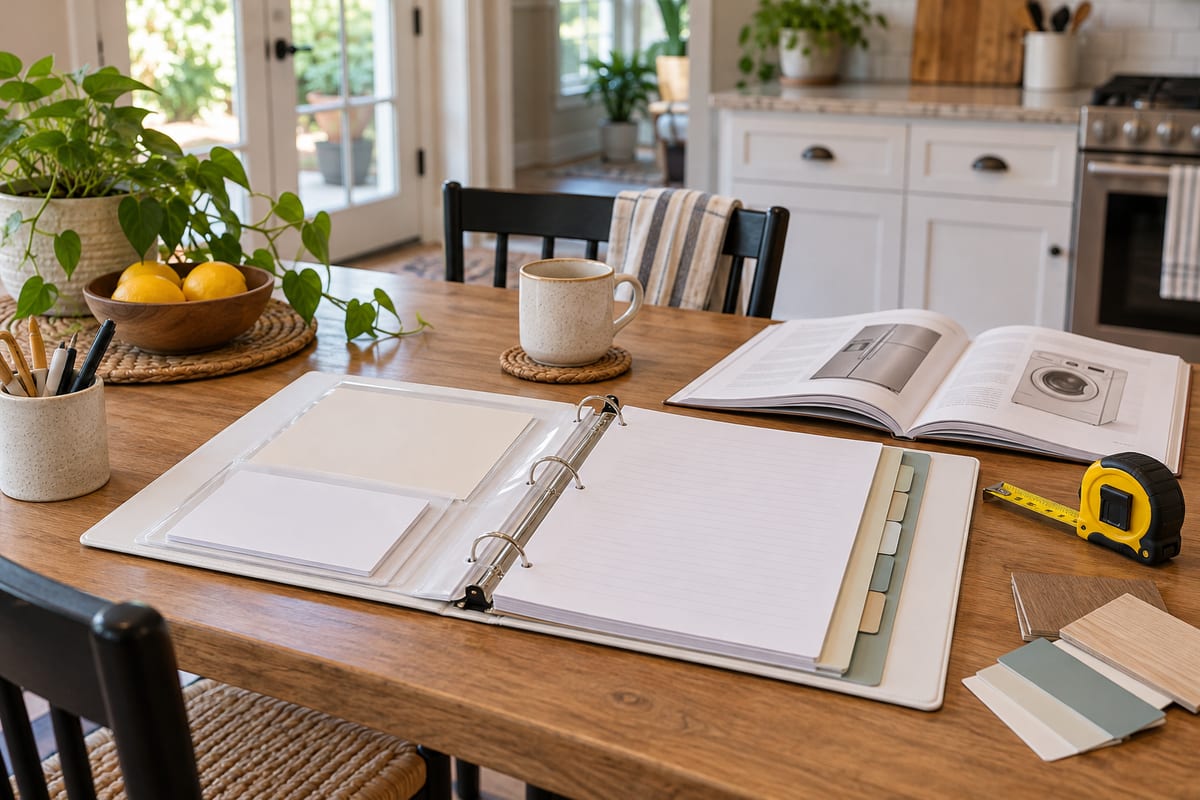
Household information tends to live in several places: a warranty email, a note on the fridge, a folder in a drawer, and a phone full of screenshots. When a repair comes up or a delivery needs to be rescheduled, finding the right detail can take longer than the task itself. A small home reference binder gives the most useful information one dependable place to land.
Choose a format that fits your household
A binder is easy to browse and update, but a folder of labeled pages or a shared digital document can work just as well. Pick the format people in your home can access without a special app or complicated instructions. If you use a paper binder, keep it near a desk or a place where household mail is handled. If it is digital, give it a clear name and share it only with the people who need it.
The aim is quick reference, not a complete archive. You do not need to collect every document or record every detail about the home. Start with information that is repeatedly hard to find.
Make a few simple sections
- Home basics: appliance model numbers, paint colors, filter sizes, and the date a key item was purchased.
- Services: contact details for the landlord, building manager, utility providers, or repair professionals you have chosen to keep.
- Recurring tasks: filter changes, seasonal checks, and other household reminders with a note about when they were last done.
- Useful instructions: how to shut off a water valve, operate an unfamiliar appliance, or find the right breaker, when it is appropriate to record that information.
These headings are enough for most homes. Add a section only when you have a real reason to look for that kind of information. Too many tabs can turn a quick reference into a filing project.
Record details while they are in front of you
When you buy an appliance, take a minute to note its model number and where the manual or warranty information is stored. When a repair is completed, add the date and a brief description of the work. A photo of a label can be useful, but give it a descriptive filename or place it in the matching section so it can be found later.
Keep entries short. “Water filter: size A, changed in October” is often more helpful than a page of notes. For a document that already exists online, write down where it can be found instead of printing everything. The binder should point you to the source and save time.
Be selective with private information
A home reference system should not become a place for passwords, full payment-card numbers, or copies of identity documents. Use a trusted password manager for credentials and secure storage for sensitive records. If several people use the binder, include only details that are appropriate for everyone with access to see.
If you rent, check what information belongs to you and what should be left with the property owner or manager. Keep emergency contact information current, and avoid posting private details where visitors can see them.
Keep the system current with a short review
Choose a simple review point, such as the first weekend of each season or the day you handle monthly household paperwork. Remove outdated phone numbers, mark finished repairs, and update items that have changed. A quick review is easier than trying to rebuild the record after years of neglect.
It also helps to leave a blank page or digital note called “To add.” When you notice a detail that would have saved you time, jot it down there and file it during your next review. This keeps the system useful without demanding a full organizing session every time something changes.
Start with one page
You do not need to fill the binder in one sitting. Begin with the three household facts you have looked up more than once recently. Add one section, use it for a week, and adjust the labels if they do not make sense to others in your home. A reference system earns its place by making ordinary tasks easier to pick up and finish.
Keep it modest, make it easy to find, and review it occasionally. That is usually enough to turn scattered household notes into a practical resource.
Leave a Reply